

The provider
vendo init never writes a client file. It prints one paste at the end of the
run, with your layout path and the exact lines.
baseUrl is where the route is mounted, path prefix included. A deployment
served under /maple passes baseUrl="/maple/api/vendo".
If init also wrote .vendo/fonts.css, import it beside the theme so generated
screens use your brand font where your own stylesheet does not reach.
The props
The overlay
The conversation panel. A bare<VendoOverlay /> puts nothing on the page: it
renders once something opens it — useVendoOverlay, a VendoTrigger, or a
slot. Below 768px the panel becomes a full-bleed takeover.
The launcher prop adds the built-in pill in a corner of the viewport. The
pill is white-label. It reads “AI agent” until you give it your own label and
mark.
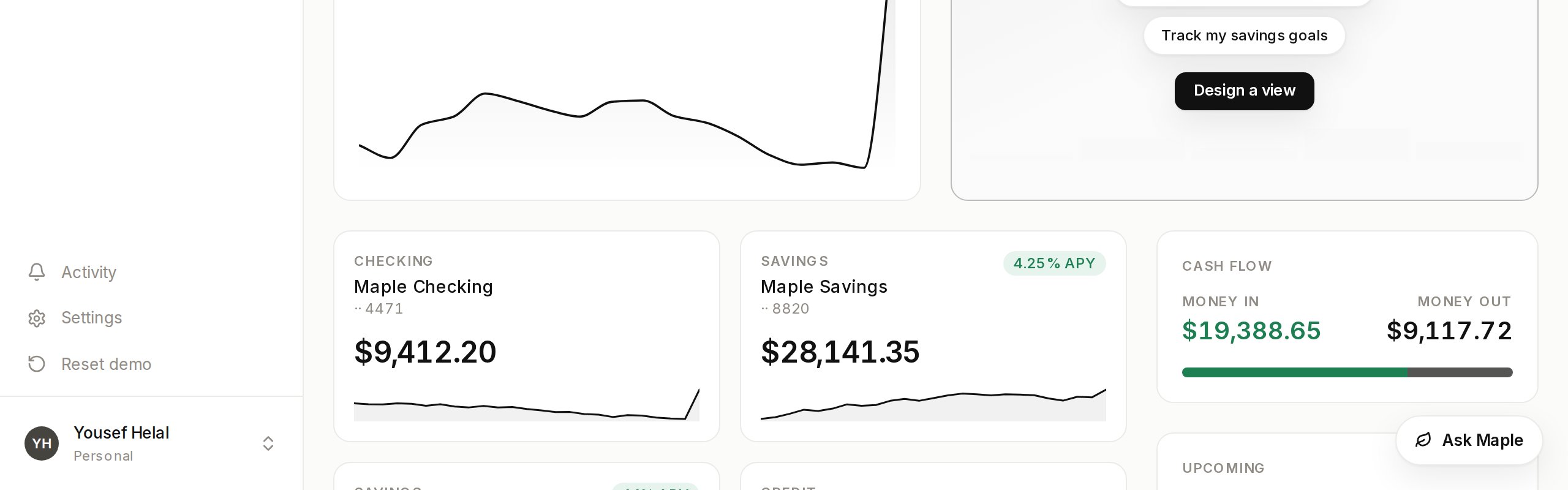
launcher={{}} gives you the pill exactly as it ships. position takes any
viewport corner and defaults to bottom-right. offset nudges the whole
cluster inward when your own UI already lives in that corner. The
discoverability whisper and the completion toast ride the pill, so with no
launcher they are quiet too.
Where the panel sits
placement="center" is the default: a centered box over a scrim, with the
page behind it inert.
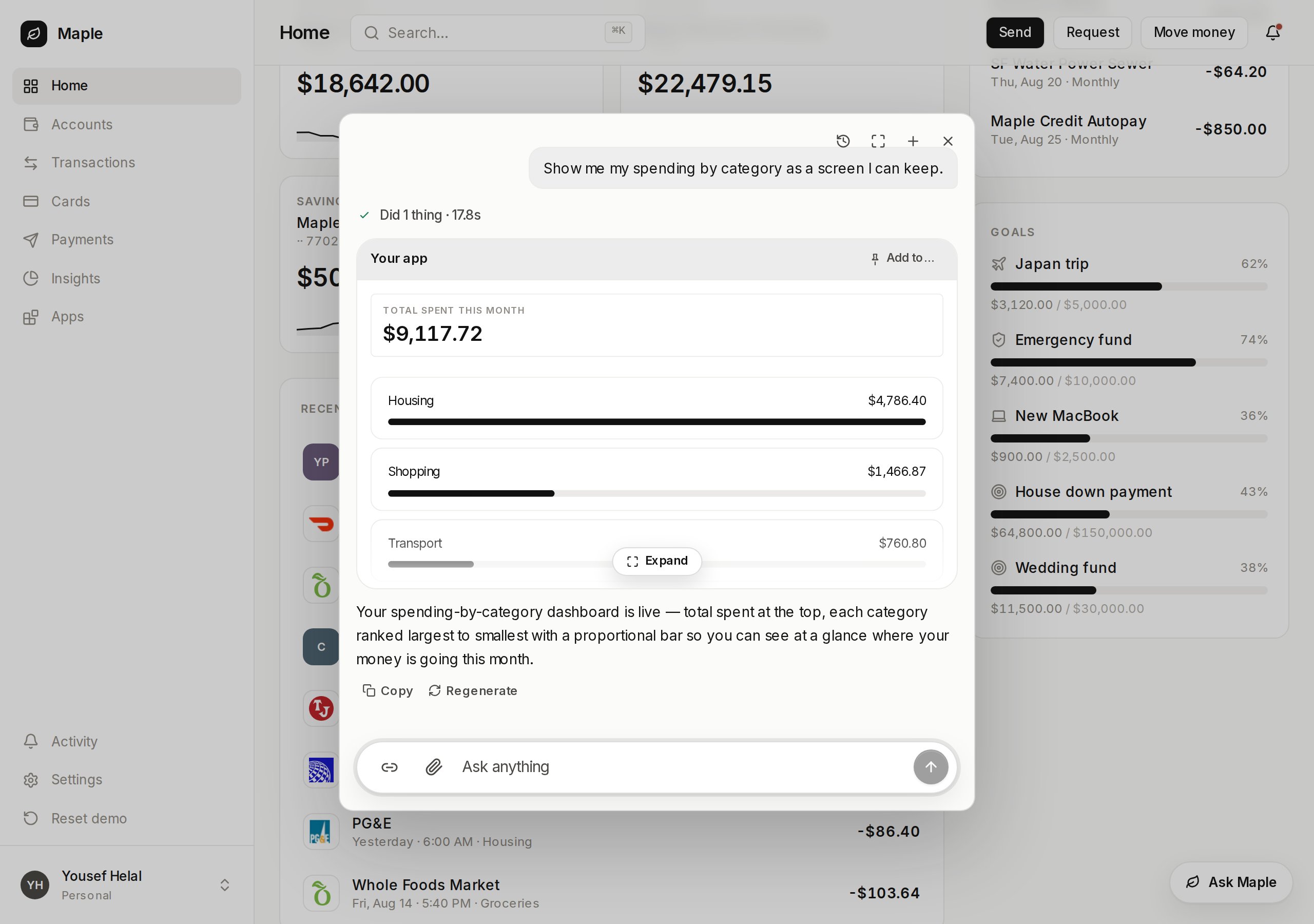
The default placement. Maple's home is still there, dimmed and out of reach behind the panel.
placement="dock" pins the panel to the right edge at full height. Your page
reflows beside it and stays visible and clickable.
dockWidth sets the panel width and the reflow together, so the two can never
disagree. It defaults to 420.
Conversations survive
A reload resumes the conversation the user was in, mid-stream replies included. The panel’s header lists earlier conversations to pick back up. None of that needs wiring. A remembered conversation that no longer exists falls back to a fresh start.Drive it yourself
useVendoOverlay gives you open, close, toggle, and a fresh conversation,
plus the props to hand back to the overlay.
thread prop swaps in your own thread component. The overlay stays the
shell: portal, scrim, focus, and the mobile sheet.
Vendo binds no keyboard shortcut of its own — your app keeps every chord it
already owns. For a ⌘K, hand your own listener overlay.toggle.
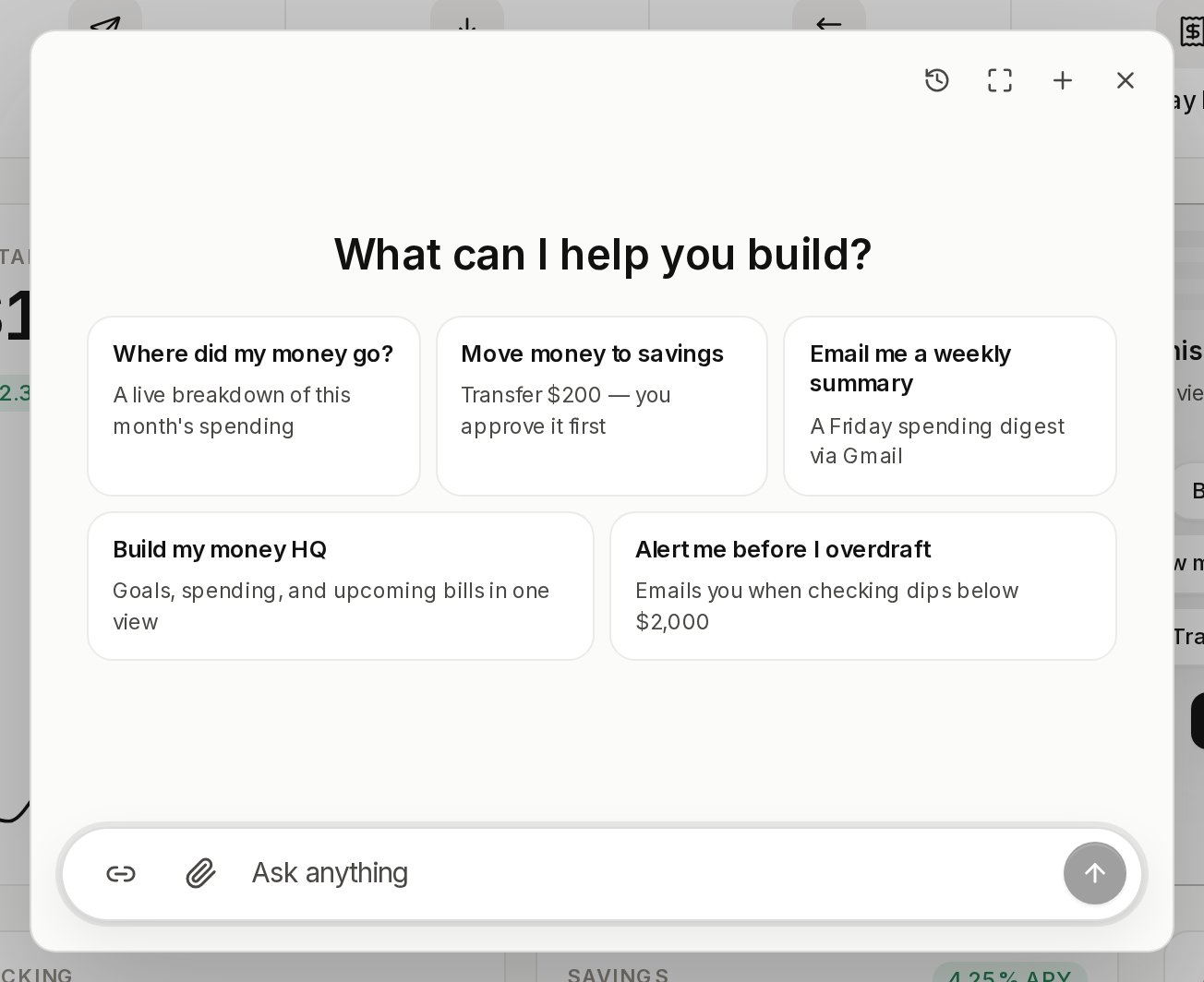
With no conversation yet, the panel opens compact.
Slots
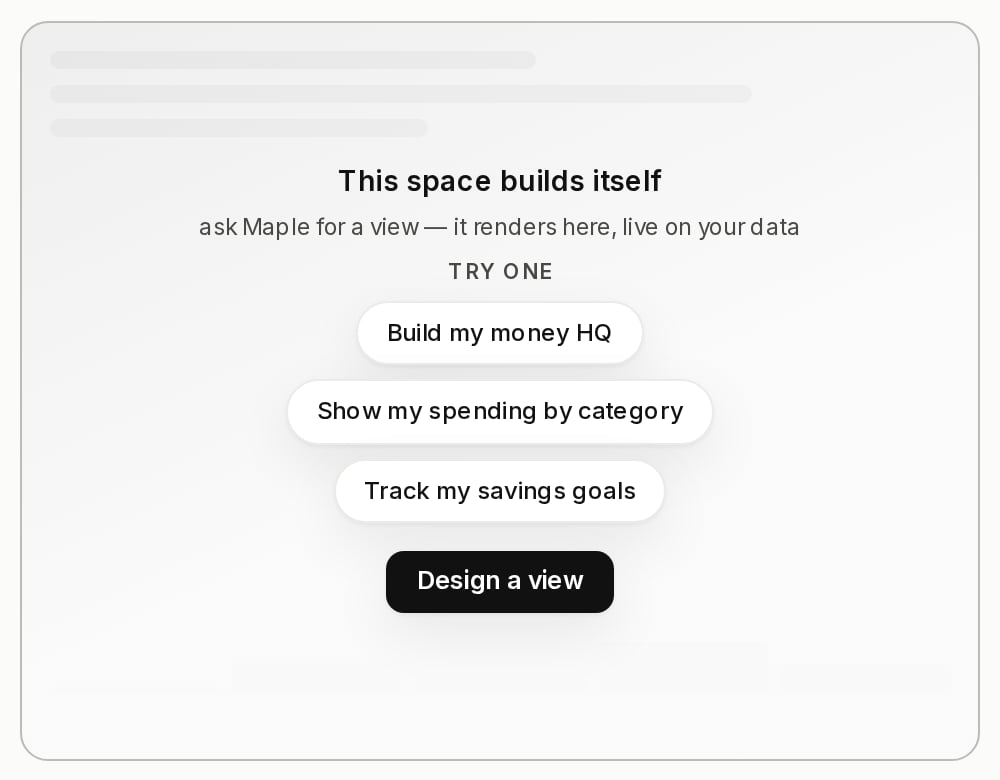
A slot is a place in your own page that a generated view can occupy. It ships in@vendoai/vendo — nothing extra to install.
children you passed come back
instead of a blank hole — but children also stand in for the invitation, so
a slot that should invite must not have them.
label is what a person reads when they pick one, and it defaults to the id
read as words. description is optional: it is the sentence an agent reads to
pick between two slots a label alone cannot separate.
Pinning needs no wiring — a slot that exists is already a destination. With
one slot in your product, a finished view shows a one-click Pin to
dashboard and it lands there. With several, the same button becomes an
Add to… picker and the person chooses.
Tool labels
Every tool call renders a chip, and a call that needs a decision renders an approval card. Without configuration Vendo prettifies the raw id, sohost_email_send reads as “Email send”.
Pass your own copy through the provider’s tools prop.
formatField is display only. The raw arguments still drive the decision, so
formatting a field cannot change what the user is approving.
Approvals on a generated screen
When someone presses a button inside a generated view and that press needs approval, the ask arrives as a modal centered over the page. Presses queue, and exactly one modal is on screen at a time. Escape and the scrim close it without deciding, so the ask comes back on the next press. The modal is mounted for you insideVendoSlot, in-thread app cards, and the
panel. The decision itself is server-side: see
what stops a call.

Theming
The token file every surface above reads, and how init fills it from your
own brand.

Generated apps
What a generated view can do, who owns it, and how it gets its data.