

The picture
Every request walks the same five boxes, in the same order. Three boxes are Vendo. The two on the ends are yours.Vendo Cloud runs the managed pieces behind those boxes: the hosted store, model gateway, sandbox, and broker.
One request, end to end
The same five boxes, with one real turn moving through them. A user types “show me what I spent on travel last quarter.”1
The surface posts the question
The panel sends it to a route inside your own app — the one file
vendo init
wrote. It does not go to Vendo’s servers.2
Your route says who is asking
Your own auth resolves the signed-in user. A visitor your resolver cannot place
is refused the turn.
3
The agent picks a tool
It reads
.vendo/tools.json and chooses host_transactions_list with a date
range. The prompt carries your instructions, your theme and knowledge index, the
user’s messages, and the tool schemas — which model answers it, and whose
servers it runs on, is set by
your model credential.4
The guard grades the call
A read like this one runs. Anything destructive, and anything extraction could
not grade, stops and parks the turn on an approval card showing the exact
request. Approve it and the same turn resumes.
5
Your API runs the call
The call reaches your own endpoint as the person who is signed in. The agent can
do what that person could already do by clicking, and nothing more.
6
A screen comes back instead of a paragraph
The agent calls
vendo_make. The screen’s code runs in a WebAssembly VM that
can’t touch anything — no DOM, no network, no clock — and your surface renders
what comes out, in your brand, bound to the rows your own API just returned.What runs where
Your repo, your API, and your auth stay on your side. Vendo Cloud runs the managed pieces.Your machine, your infra
Never leaves your side.
- your repo and code
.vendo/- your API and routes
- your auth
Vendo Cloud
The pieces Vendo runs for you.
- hosted store
- model gateway
- sandbox
- broker
- sharing
The questions everyone asks
Who calls my API?
Who calls my API?
Your own server does. Every tool call runs inside your process, through the route
init wired. Vendo’s servers never call your API and never hold your users’ credentials.Whose identity is on those calls?
Whose identity is on those calls?
The signed-in user’s own headers, forwarded only to the API origin you configured. For unattended runs, a short-lived token your server mints from your own secret, naming the user who set the automation up.
Where do prompts go?
Where do prompts go?
Wherever your composition points them. Select a model object —
models: { default: anthropic("claude-sonnet-4-6") }, which is what vendo init writes when you bring your own key — and the prompt goes straight to that provider. Vendo’s servers never see it. Leave the slot unset and the VENDO_API_KEY in your environment answers it over Vendo’s Cloud gateway. Model credentials covers both.A prompt carries your instructions, your theme and knowledge index, the user’s messages, and tool schemas. The agent never sees your audit log.Where does my data live?
Where does my data live?
Threads and audit rows live in Vendo Cloud’s hosted store. Delete any of it through the erase API, which drops the rows for good.
What can generated apps reach?
What can generated apps reach?
A screen the model writes never runs in your page. Its code runs in a WebAssembly VM that can’t touch anything — no DOM, no network, no clock — and your surface renders what comes out. A full generated app runs in a sandbox whose network is an allowlist: it reaches only domains you approved, one approval per domain.Their tool calls come back through your server, under the same guard and the same approvals as a call from your own chat.
The pieces
Five names to know. Each one has its own group in these docs.Surface
A sandboxed panel that renders in your brand.Mount the surface →
Tools
Your API routes, extracted by
vendo init.API tools →Guard
Risk grade, approval, audit log on every call.Approvals →
Generated UI
Real screens built from your own data.Generated apps →
Cloud
Runs the store, models, sandbox, and broker.Vendo Cloud →
Where things live
init writes the.vendo folder. You paste one route.
your repo
Where to go next
Same setup so far. The code differs from here.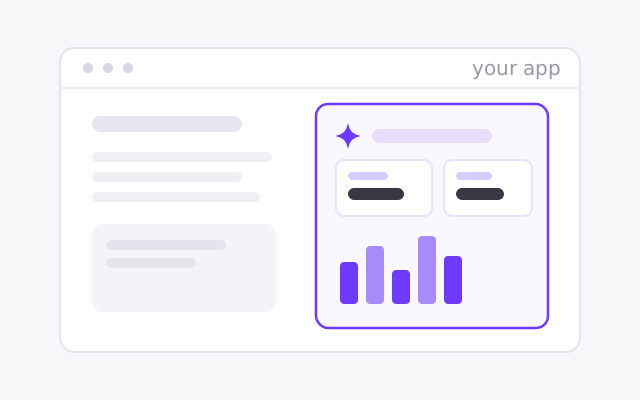
Vendo's Full-Stack Agent
Vendo runs the loop and renders screens in your brand.
<VendoProvider>Quickstart →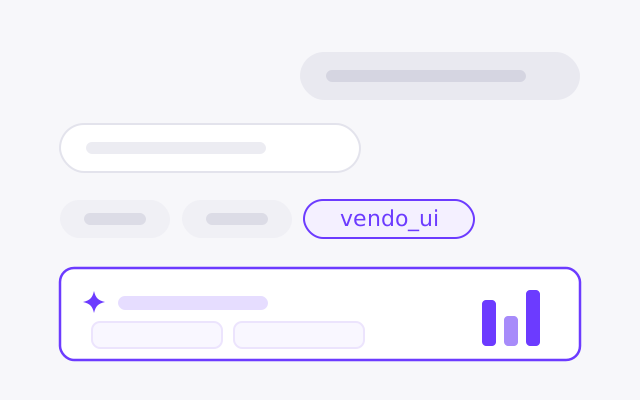
In your existing agent
Keep your loop. Vendo adds tools and renders the result.
vendoTools(vendo)Quickstart →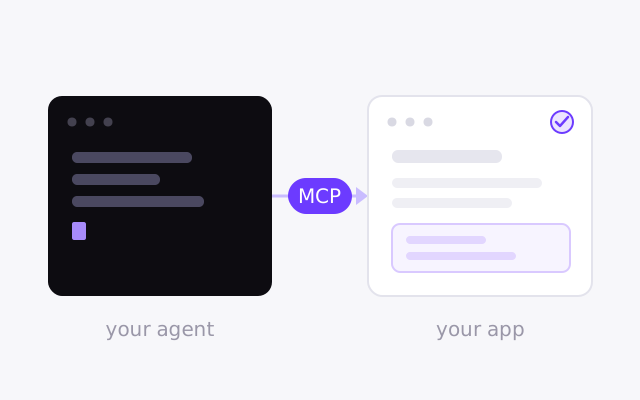
From outside agents
Your own agent, acting as the signed-in user.
createVendo({ mcp: true })Quickstart →