

Overlay
The default drop-in: a themed launcher pill that opens a floating conversation overlay over your product. On phones it becomes an Intercom-style full-bleed takeover with safe-area and keyboard handling. One component, zero layout changes to your app. You don’t need a demo for this one — it’s running on this page. The Vendo pill in the corner is the shipped component; click it and the overlay opens over these docs, compact first, growing on your first message.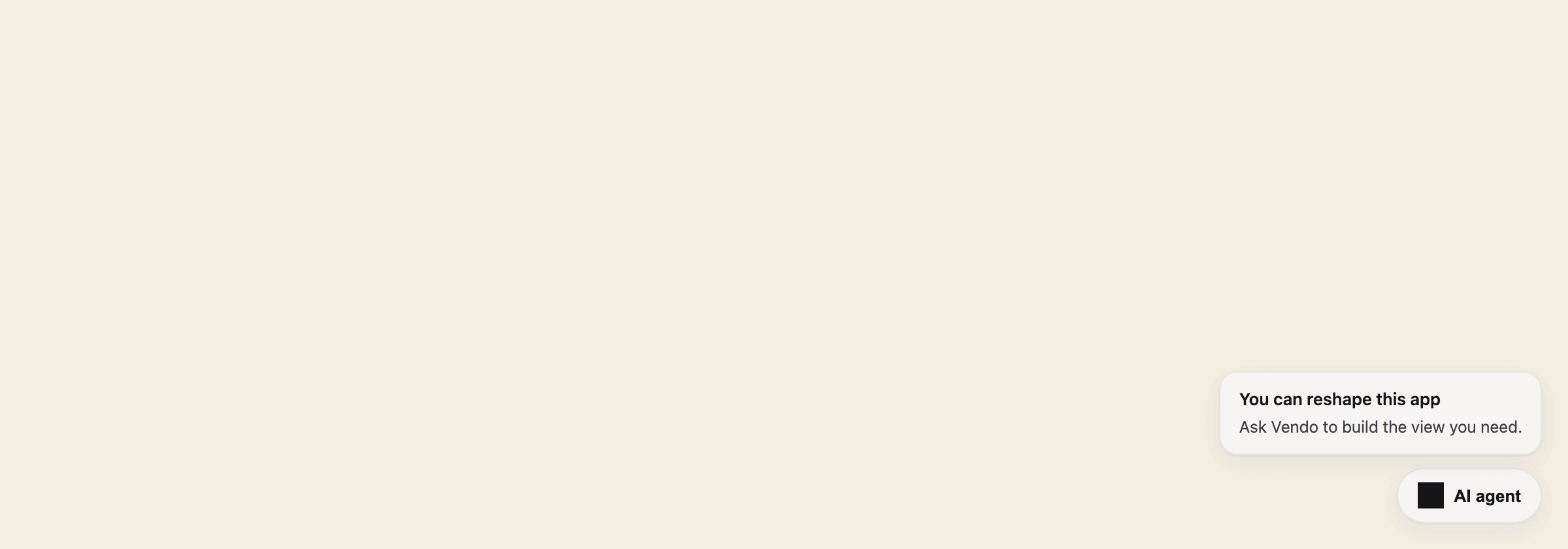
The closed overlay: a quiet launcher pill in the corner, plus the slot invitation.
Command palette
The same surface is one keystroke away: ⌘K opens the conversation overlay in its compact palette form, with host-registered commands on the chip strip. If your product already owns ⌘K in a focused input, Vendo stays out of the way.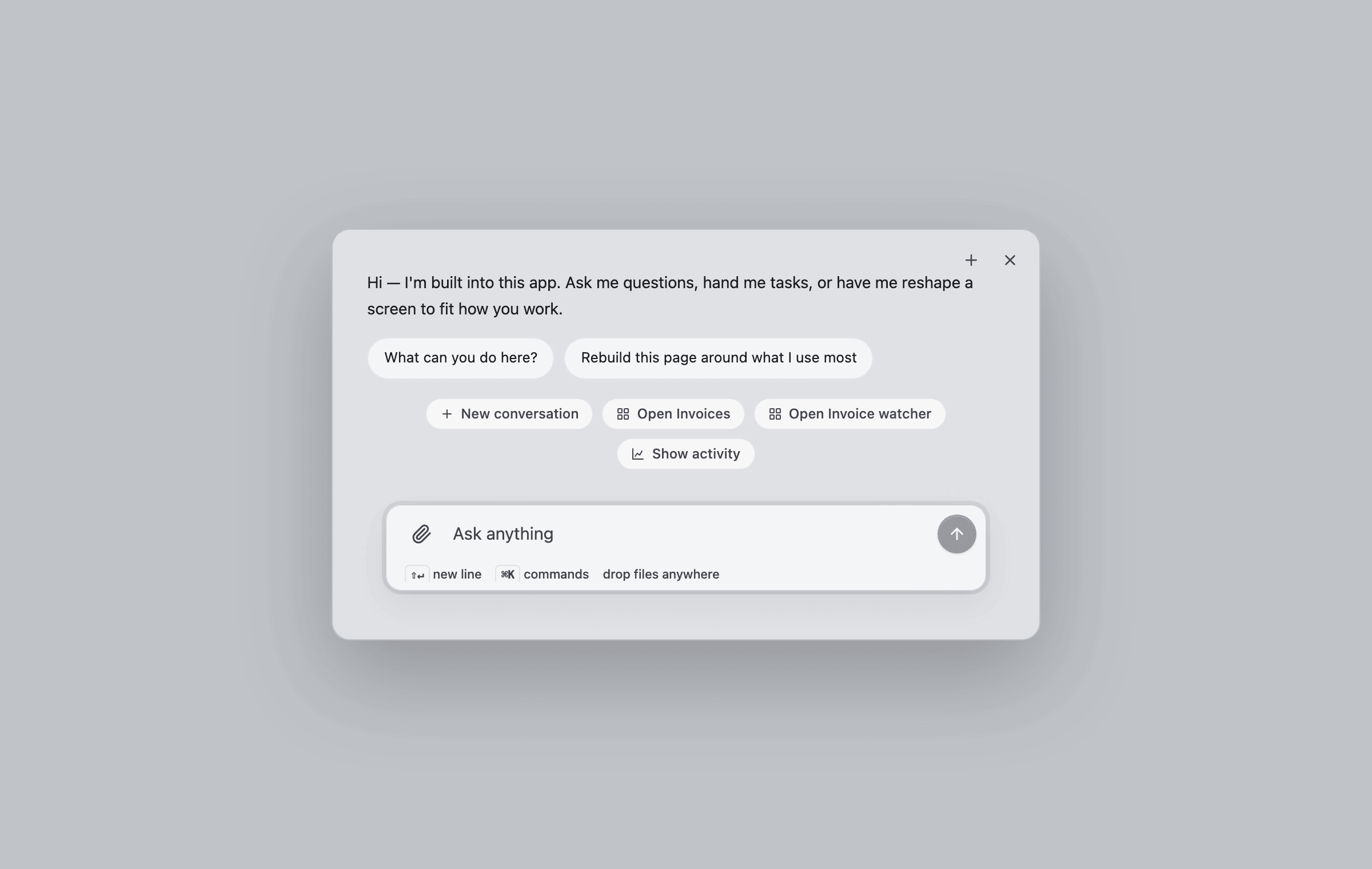
⌘K opens the compact overlay: greeting, suggestions, commands, and the composer.
Thread
The bare conversation surface — composer, streaming replies, tool beats, approval cards, connect cards, and generated views arriving inline. Use it when you want the conversation embedded in your own layout instead of an overlay.Generated views
When the agent builds UI, the view streams into the transcript as it forms — skeleton first, then live pieces — and lands as an interactive component, not a screenshot.Approvals
A write action parks the turn on an in-thread approval card showing the exact request. Approve it and the same turn resumes — the card morphs into a toast, the tool runs, and the agent confirms.Activities
The approvals queue and humanized activity feed as a host-placeable piece: pending approvals render as actionable cards on top, recent agent activity below. Drop it into your own settings or admin pages.Slot
A placeholder in your product that users can fill with their own generated view. Empty, it shows a quiet ghost with a “Design a view” call to action; filled, it renders the pinned view; broken, it falls back to your original markup — never a blank hole.Page
The full workspace console: conversation history, the waiting-on-you approval strip, apps, automations, connected accounts, and activity in one routed surface. Mount it on a dedicated route like/assistant.
Voice
The voice stage: a live orb, streaming captions, views arriving mid-session, and voice-native approvals — say “approve” or tap. See Voice for wiring it up.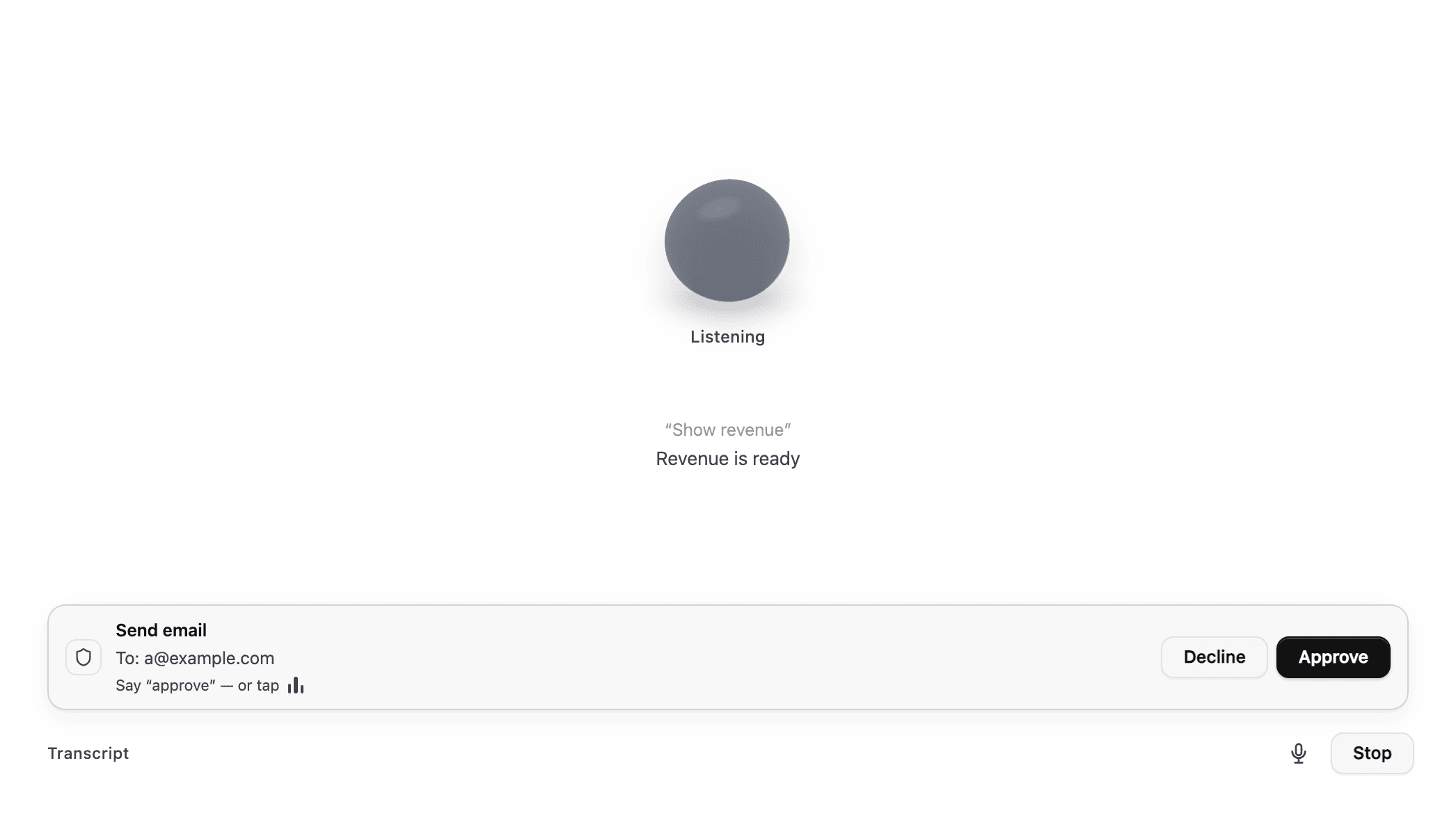
The voice stage mid-session: captions, a ready view, and a spoken approval.
Theming
Every component above re-themes from one token file. Extract it withvendo init, or hand-edit .vendo/theme.json — the playground’s theme editor
emits a valid file from whatever look you land on. See
Theming for the full token reference.
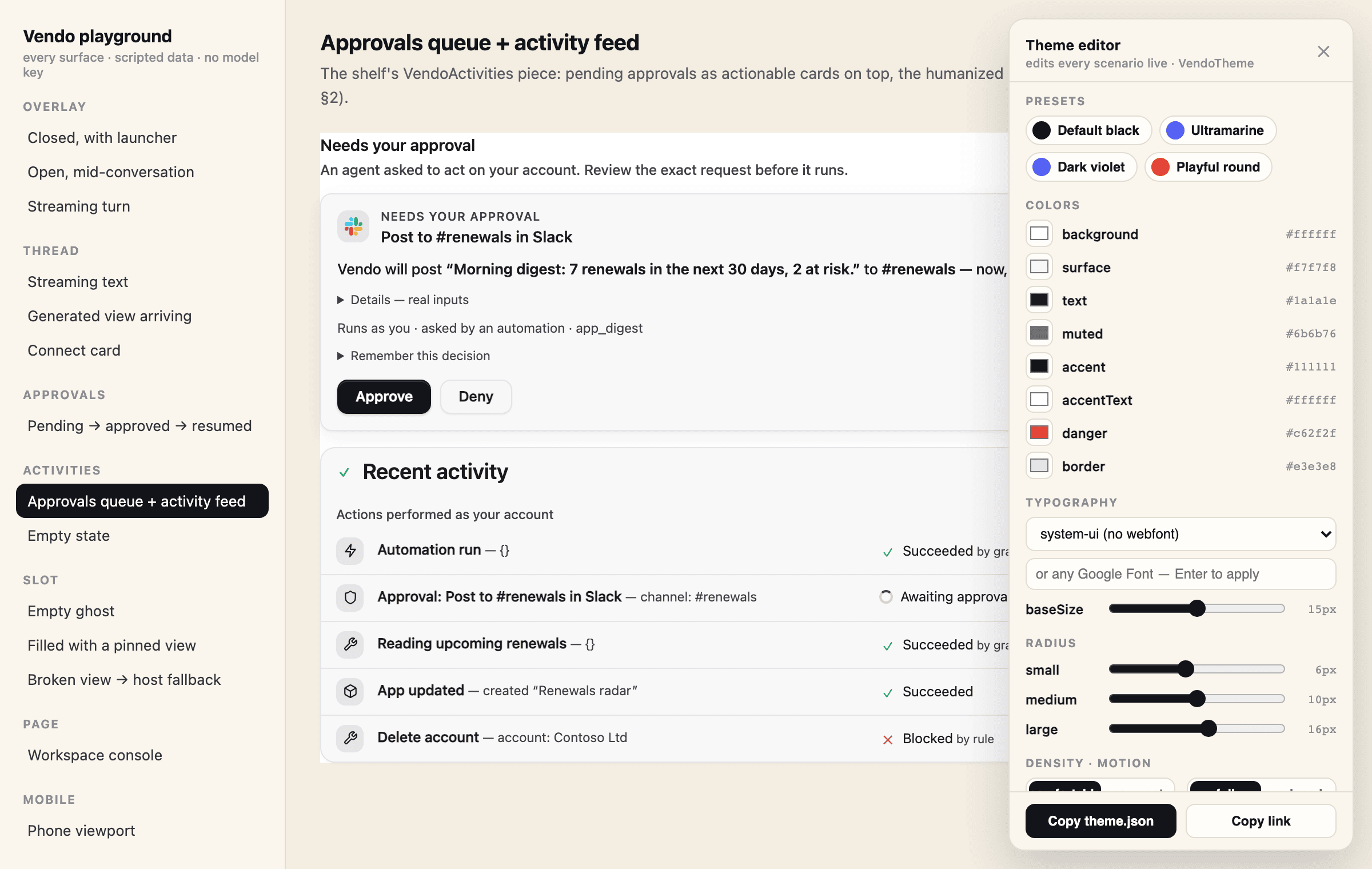
The playground's theme editor: presets, per-token colors, any Google Font, radius, density, motion.
Try every surface live
The hosted playground renders each surface against scripted data — no model key, no database, nothing to install. Use the Theme button inside it to edit every theme token live, copy a ready.vendo/theme.json, and share a
themed link.
If the embeds on this page do not load, open
vendo.run/playground directly, or run it
locally with
npx vendoai playground.